Launch offer ₹499 ₹2,499 80% off · ends 30 Nov 2026, 11:59 pm IST --days--hrs--min--sec
Get the vault · ₹499
For freelancers, agencies, B2B sales

Turn a cold lead list into personalised, ready-to-review email drafts

60 finished prompts in 6 chapters, a method playbook and a 5-sheet workbook that turn the public profile text you paste into first emails, follow-ups and replies that sound like you.

  • Works from text you copy by hand from a public profile or company page. Nothing is scraped.
  • Runs in the free versions of ChatGPT, Claude or Gemini.
  • Every draft is yours to check and send. No invented facts, no promised results.
Get the vault · ₹499 ₹2,499 Save ₹2,000
Launch offer ends 30 Nov. One payment.
  • UPI · cards · netbanking
  • GST invoice
  • Download in under a minute
3files · PDF · XLSX
10,000+bonus ebooks, free
7 daysto download, yours to keep
₹499 ₹2,499once · GST included
See it work

See it work

This is prompt 21 from the vault, the 80-word first email, filled in for a fictional freelance designer in Jaipur writing to a fictional snacks brand in Pune.

Sample output written for this page. AI output varies.

Leadloom · prompt → result
You paste

Act as a cold email writer who believes short and specific wins. Write a first email to Ananya, Founder at Saffron Crate Foods. Research from text I pasted: festive gifting range launches in October, corporate orders open. Four parts: a line that shows I looked, a possible problem, what I do, one small ask. 60 to 80 words. Plain text. Make it easy to say no.

The AI answers

Subject: festive hampers

Hi Ananya,

I saw on your site that the festive gifting range launches in October, with corporate orders open.

Corporate buyers usually ask for a PDF catalogue they can forward internally, and that often becomes a last-week scramble.

I design product catalogues for small D2C food brands. Would it help if I sent a one-page sample layout using two of your hampers?

If the timing is wrong, a one-word no is fine.

Rohan, Rohan Mehta Design, Jaipur

Sound familiar?

Why your cold emails get deleted in two seconds

01

You have no time to research each lead

Reading a profile, a website and a careers page for every name on the list takes a quarter of an hour. So you skip it, and the email shows that you skipped it.

02

Your opening line gives you away

The moment a reader sees that you came across their profile and were impressed, they know it is a template. They have deleted that sentence a hundred times.

03

Your follow-up is a nudge, not a reason

Bumping a thread to the top of an inbox asks a stranger to do your work for you. It adds nothing, so it gets nothing.

The fix is not more emails. It is two honest minutes of pasted research per lead, and prompts that know what to do with it.

Why this matters

A Tuesday you may recognise

A two-person web studio in Indore has a list of ninety companies and a free afternoon. They write one decent email, swap the company name ninety times and send the lot before tea.

By Friday there is one reply, and it asks how they got the address. The list is spent, the domain has taken a small knock, and the founder has decided that cold email does not work in India.

It does not work that way. What changes the picture is smaller than a new tool: twenty leads instead of ninety, two minutes each on the public page, one true observation pasted into a prompt that is built to find the reason for writing.

The drafts come back short, specific and plainly theirs. They read each one, fix what the assistant guessed, and send ten before lunch. Nobody can promise who will answer. But nothing in those ten emails deserves the delete key on sight.

The way out

Paste what is public. Get a draft worth checking.

Leadloom is a set of prompts, a method and working sheets for one job: writing cold B2B email that reads as if a person looked first, because a person did.

  1. 01

    Paste

    Open the prospect's public LinkedIn profile or company website, copy the text that matters and paste it into the research prompt. Two minutes, by hand, within every platform's rules.

  2. 02

    Draft

    The prompts find the one observation that connects to your offer, bridge to it honestly and write a first email under 90 words with one small ask and an easy way to say no.

  3. 03

    Check and send

    A fact-check prompt marks every claim as supported, inferred or unsupported against your pasted text. You edit, you send, and the workbook tells you who is due a follow-up.

What you will understand

The thinking behind it

Five ideas from the playbook sit under every prompt. Learn these and you could write your own.

I

Relevance beats personalisation

Mentioning someone's college shows you looked. Mentioning the second clinic they just opened, when you fix bookings across branches, shows you have a reason to write.

II

One true observation is enough

You need a single fact that is professional, recent and connected to your offer. Three personal references in one email stop feeling attentive and start feeling like surveillance.

III

If it is not in the pasted text, it is not in the email

An AI assistant fills gaps with confident guesses. A guessed company size or an invented launch ends the conversation the moment the reader spots it.

IV

The ask is smaller than the trust

A stranger has given you no trust yet, so the first ask is a yes or no, not half an hour. Calls come after the first reply.

V

Every follow-up earns its place

Each touch brings a new angle or something useful inside the email itself. The last one says it is the last, and then it is.

What you get

What you get

Three files that work together: the prompts, the method behind them and the sheets that keep a campaign honest.

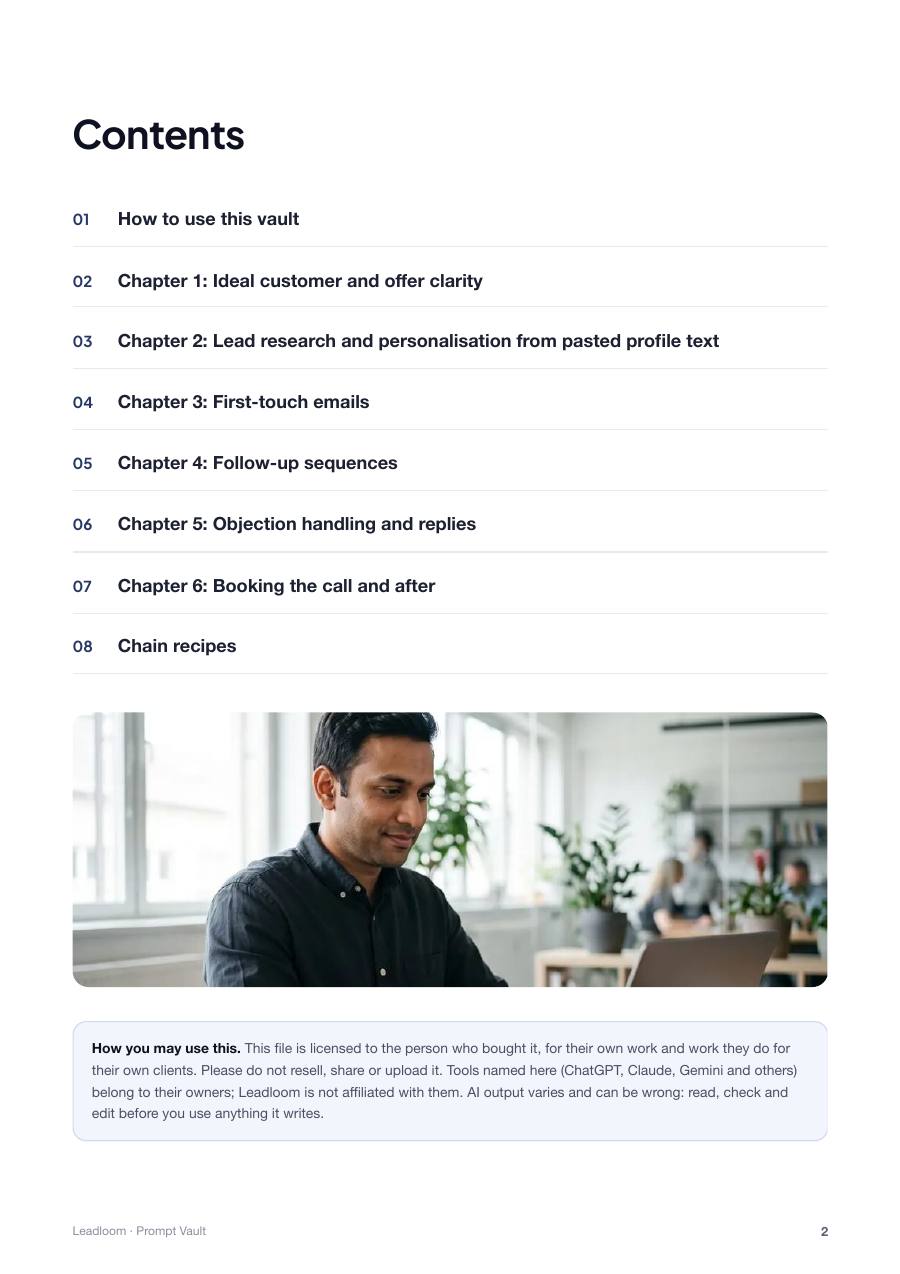
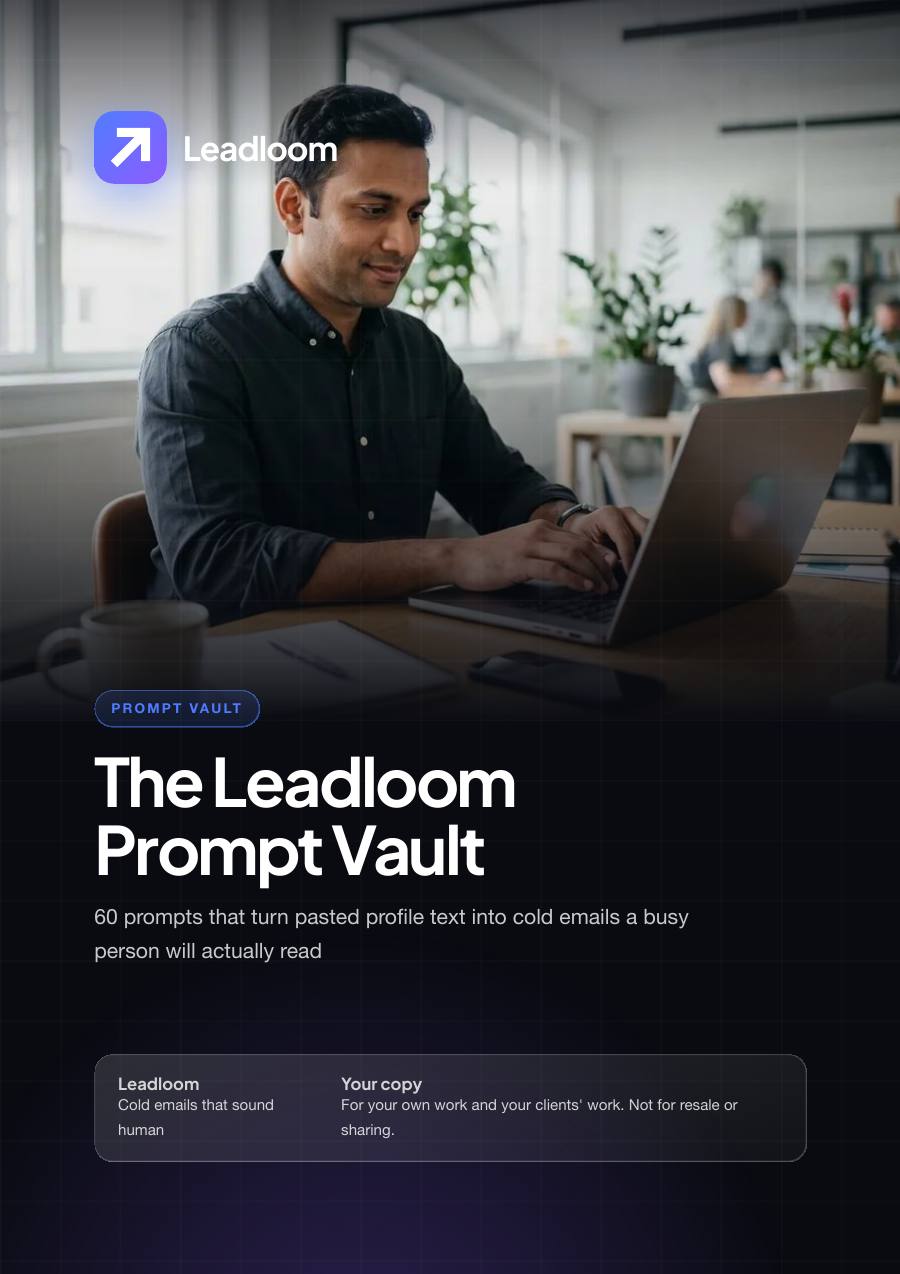
The Cold Email Prompt Vault

The Cold Email Prompt Vault

The core product: 60 prompts written out in full, each with a role, the context to paste, the task, the constraints and the output format. Not one-liners, and not the same prompt with a noun swapped.

  • Exactly 60 prompts in 6 chapters of 10
  • 10 research prompts that work only from text you paste: profiles, company pages, posts and job listings
  • 10 first-email shapes and checks, from the 80-word email to a tone and spam-word audit
  • 10 follow-up prompts, including a five-touch planner and a polite close
  • 10 reply prompts for no, send details, no budget, wrong person and stop
  • A reusable context block and 5 chain recipes that run prompts in order for a whole job
Format
PDF
Files
1
Size
1 MB
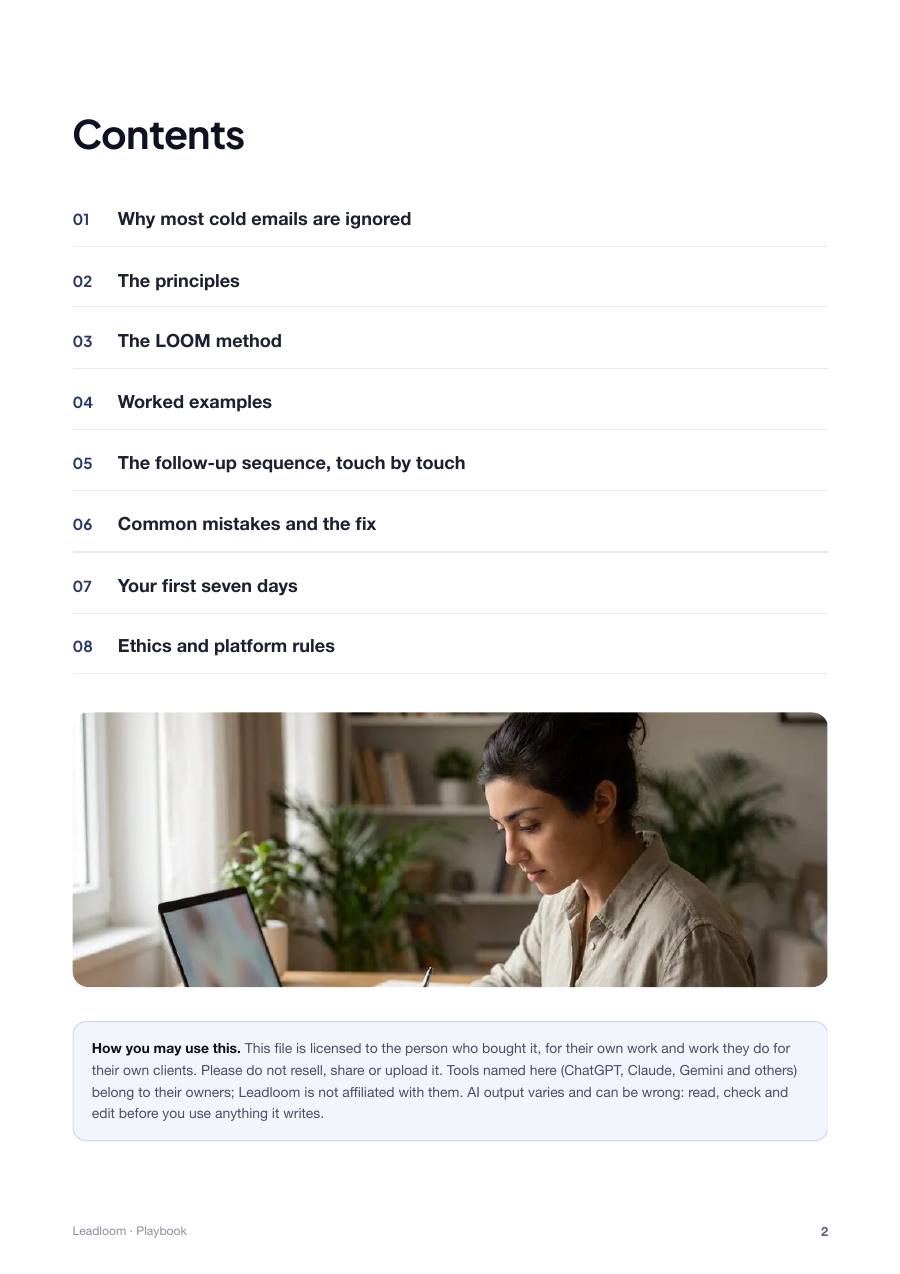
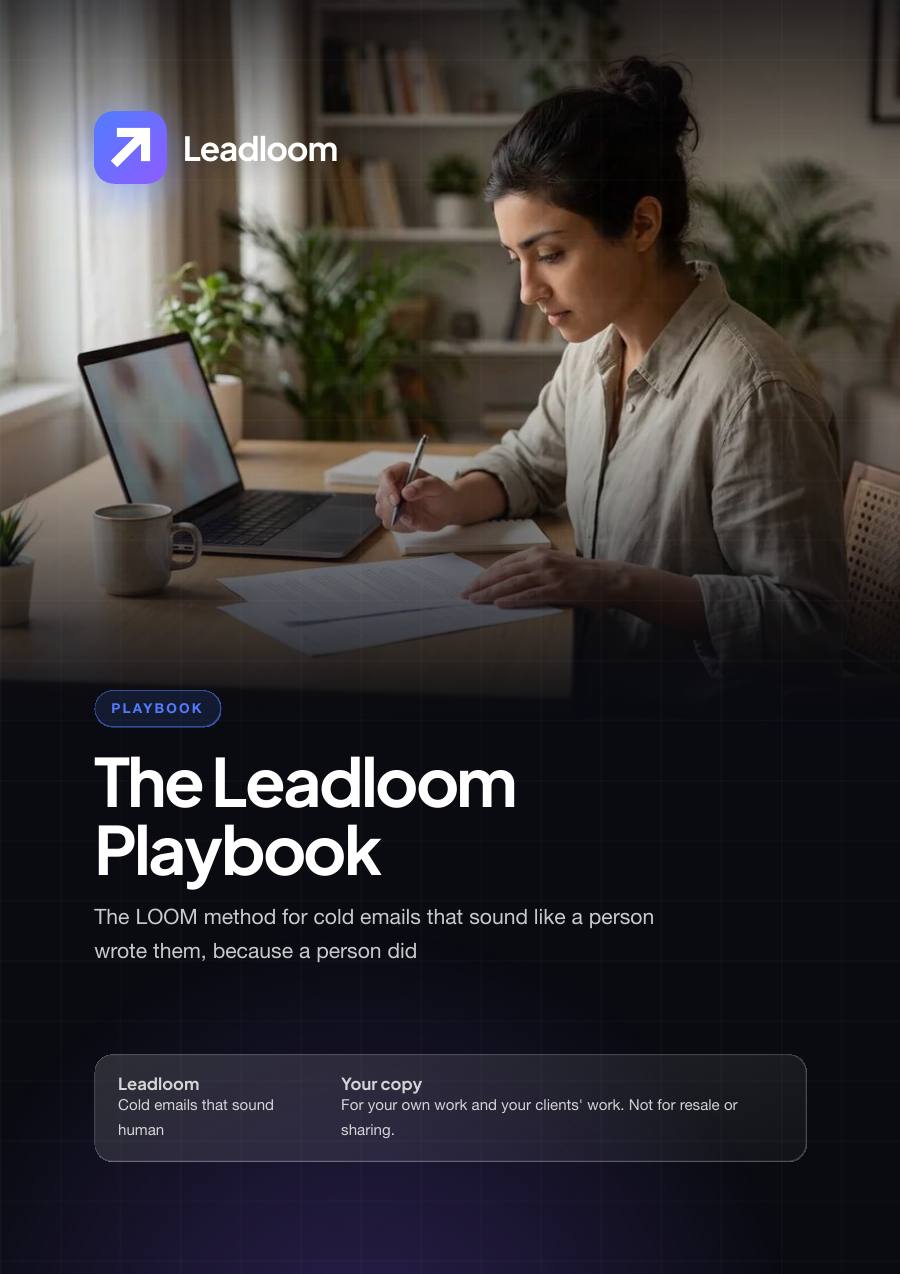
The LOOM Method Playbook

The LOOM Method Playbook

The LOOM method in about 2,700 words: List, Observe, Open, Move. It is where you learn why the prompts are built the way they are, so you can adapt them to any market.

  • 8 chapters, 5 principles and a checklist for each of the 4 stages
  • 3 worked before-and-after examples: a first email, a follow-up and a reply to a request for details
  • A touch-by-touch table for a five-email sequence with day offsets and lengths
  • 9 common mistakes with the fix for each
  • A day-by-day plan for your first seven days
  • A plain section on ethics, opt-outs and platform rules
Format
PDF
Files
1
Size
616 KB
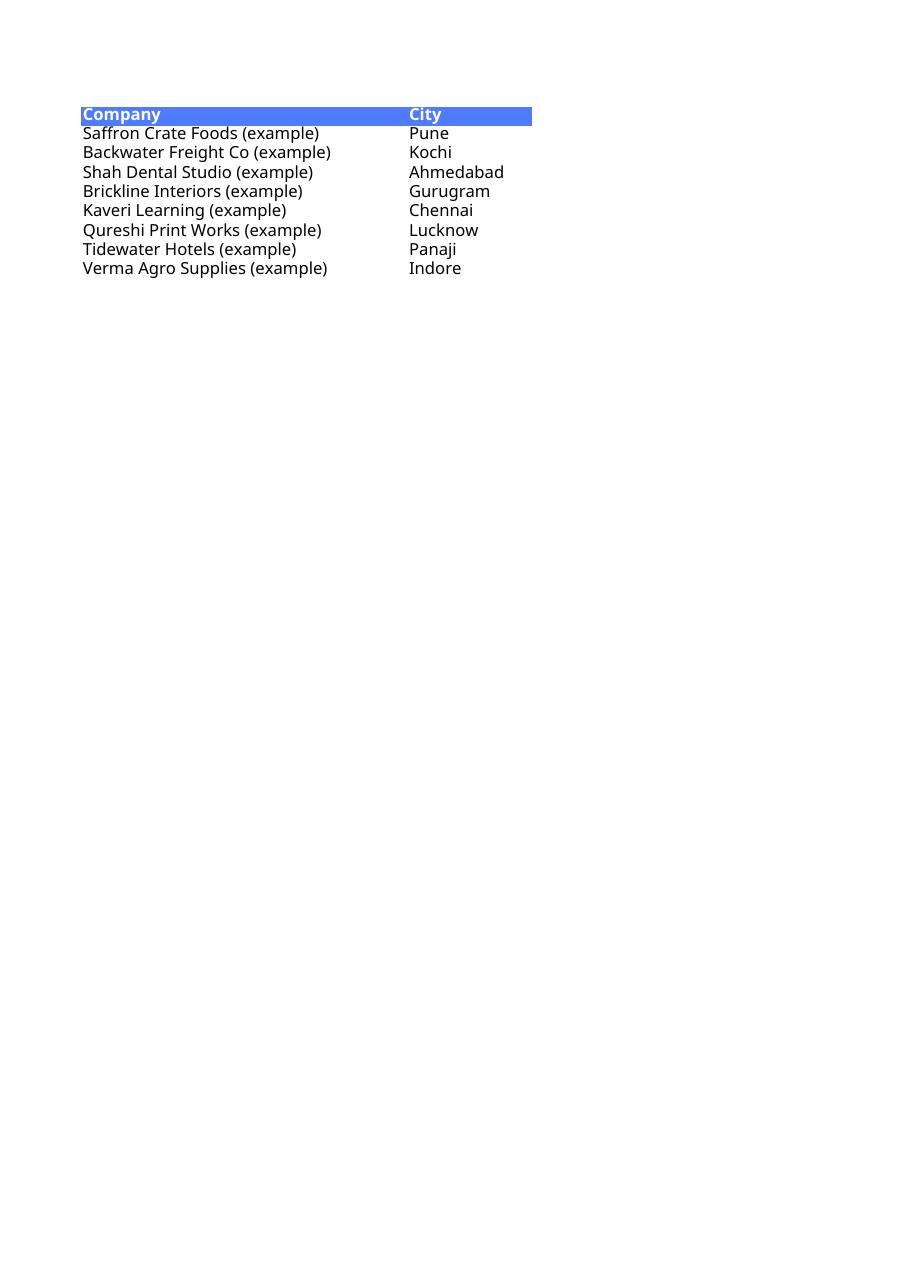
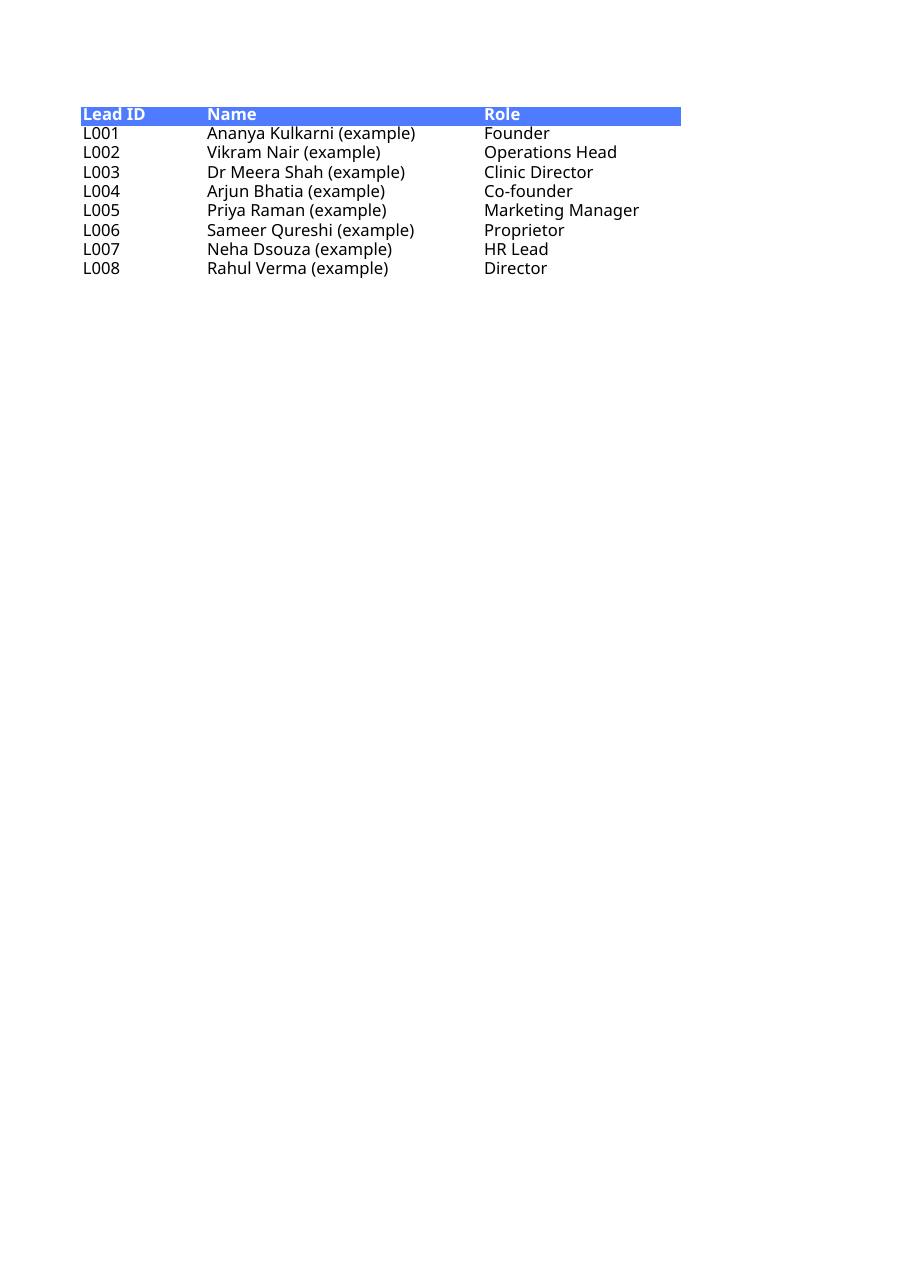
The Outreach Workbook

The Outreach Workbook

An XLSX workbook with 5 tabs for Excel or Google Sheets. It holds your leads, your sequence dates and your weekly numbers, so nobody is chased twice and nobody who said stop is written to again.

  • Lead list with 19 columns for research notes, fit label, status, next touch and a Do not contact flag
  • Sequence planner: 4 ready five-touch sequences, 20 rows, each mapped to a vault prompt
  • Subject line bank of 40 lines by type, with a note on when each is honest to use
  • Objection library: 20 replies, what each often means, a reply angle and what never to do
  • Weekly scorecard built around one change a week
Format
Spreadsheet
Files
1
Size
23 KB
A look inside

From pasted text to a checked draft

The same three moves for every lead: paste, draft, check. The method does not change whether you write to five people or forty in a week.

The Cold Email Prompt Vault
Paste the profile text and get five sourced observations, ranked by relevanceThe Cold Email Prompt Vault
The Cold Email Prompt Vault
Draft an 80-word first email with one small ask and an easy noThe Cold Email Prompt Vault
The LOOM Method Playbook
Fact-check the draft against your pasted text before it leaves your outboxThe LOOM Method Playbook
The LOOM Method Playbook
The LOOM Method PlaybookThe LOOM Method Playbook
The Outreach Workbook
The Outreach WorkbookThe Outreach Workbook
The Outreach Workbook
The Outreach WorkbookThe Outreach Workbook

These are actual pages from the product, shown smaller. Swipe to see more.

Why people use it

What changes in your week

Research in two minutes, not fifteen

The profile extractor and company page digest read your pasted text and hand back the best observation, a fit label and what is missing.

Openers that could only be sent to one person

The opening line writer gives six options and shows the source phrase behind each, so you can check every one against what you pasted.

No more staring at a blank follow-up

The five-touch planner decides the angle, the ask and the length of every touch before you send the first email.

Calm answers to awkward replies

A reply classifier tells you what a message most likely means, and nine reply prompts cover the answers from not interested to tell me more.

Fewer embarrassing mistakes

The research gap finder marks each claim in a draft as supported, inferred or unsupported, and lists what to verify by hand before sending.

A campaign you can actually see

The workbook shows who is new, sent, replied or closed, when the next touch is due, and what you decided to change this week.

Your win

The same hour, used two ways

Before

  • One template sent to the whole list with the company name swapped
  • An opening line about being impressed by their profile
  • A request for a 30-minute call in the first email
  • Follow-ups that only ask whether they saw the last one

With Leadloom

  • Twenty chosen leads, each with one observation from their own public page
  • An opening line that names a real fact and where you saw it
  • A yes or no question a stranger can answer from a phone
  • Follow-ups that each bring a new angle, and a polite last note
This is for you if
  • Freelancers who need clients and dislike sounding like a salesperson
  • Agency owners who do their own outreach between client work
  • B2B sales people who write to named decision makers, a few dozen a week
  • Anyone willing to spend two minutes per lead copying public text by hand
Not for you if
  • Anyone who wants to blast thousands of addresses or use bought or scraped lists
  • Anyone looking for guaranteed replies, meetings or revenue
  • Anyone who wants emails sent without reading them first
Bonus · free with every order

A library of 10,000+ ebooks, yours to download

Along with your Leadloom files you get our bonus library: 10,000+ ebooks and ready-to-edit articles with resale rights, sorted by subject, from business and marketing to health, hobbies and self-growth.

  • Instant download links on your order page, the moment your payment is confirmed
  • Browse by subject, or take the whole library as ZIP files
  • No extra charge, with every option on this page
10,000+bonus ebooksFree with your order
Launch offer · ends 30 Nov 2026

Write the email you would not delete

One payment, instant download, no subscription. The prices below hold until 30 Nov, 11:59 pm IST; after that the full price applies.

Starter

The prompts, the method and the sheets

₹499₹2,499Save ₹2,000

once · GST included

  • The Cold Email Prompt Vault
  • The LOOM Method Playbook
  • The Outreach Workbook
  • Bonus: library of 10,000+ ebooks
  • The Prompt Vault: 60 prompts in 6 chapters, plus 5 chain recipes
  • The LOOM Method Playbook: 8 chapters with worked examples
  • The Outreach Workbook: 5 sheets including 40 subject lines and 20 objections
  • Works with free ChatGPT, Claude or Gemini
Get Starter · ₹499
Most complete for the price

Pro

Starter plus drafts waiting in Gmail each morning

₹899₹4,499Save ₹3,600

once · GST included

  • The Cold Email Prompt Vault
  • The LOOM Method Playbook
  • The Outreach Workbook
  • Lead List to Gmail Drafts Automation Kit
  • Bonus: library of 10,000+ ebooks
  • Everything in Starter
  • An importable n8n workflow: Google Sheet rows marked New become three Gmail drafts per lead
  • Drafts only, never sent for you; rows are marked Drafted or Needs review
  • Setup guide, both prompts for tuning and a sample sheet of 10 fictional leads
  • Needs an n8n account, a Google account and an AI provider API key
Get Pro · ₹899

Studio

Pro plus your own private outreach assistant

₹1,299₹6,499Save ₹5,200

once · GST included

  • The Cold Email Prompt Vault
  • The LOOM Method Playbook
  • The Outreach Workbook
  • Lead List to Gmail Drafts Automation Kit
  • Custom Outreach AI Assistant Kit
  • Bonus: library of 10,000+ ebooks
  • Everything in Pro
  • Instructions to build a custom GPT, a Claude Project or a Gemini Gem
  • 2 knowledge files carrying the method, banks of lines and do and do-not tables
  • 12 conversation starters and 8 tests to run before you rely on it
Get Studio · ₹1,299

Secure payment by Razorpay: UPI, cards, netbanking. GST invoice and your own order page with every pack; download for 7 days.

Questions

Before you ask

How and when do I get the files?

Straight after payment you land on a download page with every file in your tier. The same link is also sent to your email.

What formats are the files, and what opens them?

The vault and playbook are PDFs. The workbook is an XLSX file that opens in Excel, Google Sheets or Numbers. The Automation Kit and the AI Assistant Kit are ZIP files. The prompts work in the free versions of ChatGPT, Claude or Gemini.

Does it work on a phone?

Yes for the prompts and the playbook: open the PDF, copy a prompt and paste it into the ChatGPT, Claude or Gemini app. The workbook is more comfortable on a laptop, and the automation must be set up on a computer.

Is it one payment?

Yes. One payment, no subscription, and the files are yours to keep.

Do I need any paid tools?

Not for Starter. The Pro automation needs an n8n account (the cloud version is a paid subscription with a trial; the community edition is free if you host it yourself), a Google account for Sheets and Gmail, and an AI provider API key billed by usage. Check current pricing with each. For Studio, custom assistants need a paid plan in some apps; the guide includes a way to use the kit in an ordinary chat.

Can I use it for client work?

Yes, for your own outreach and for outreach you do for your own clients. You may not resell the files or share them with others.

What is the refund policy?

This is a digital product, so there are no refunds once the download link has been issued. If a file is broken or missing, tell us and we will replace it or refund you.

How long does the download link work?

Seven days. Download everything and save it to your own drive on the first day.

Before you buy

Digital product. Delivered instantly. No refunds once the download link is issued. Please read “What you get” above so nothing surprises you. If a file is broken or missing, we replace it or refund you.

You pay once: there is no subscription. Your download link works for 7 days. Sold and invoiced by STARTIONS LLP, with a GST invoice for every order. Help: support@startions.com.

This is Solo Startup proudly run by students from India.

Write the email you would not delete

Sixty prompts, one method and five sheets for turning a cold lead list into personalised drafts you check and send yourself.

Get the vault · ₹499
₹499 ₹2,499Launch offer ends in …
Get the vault